🎉 Up to 70% Off Selected ItemsShop Sale


1 / 9
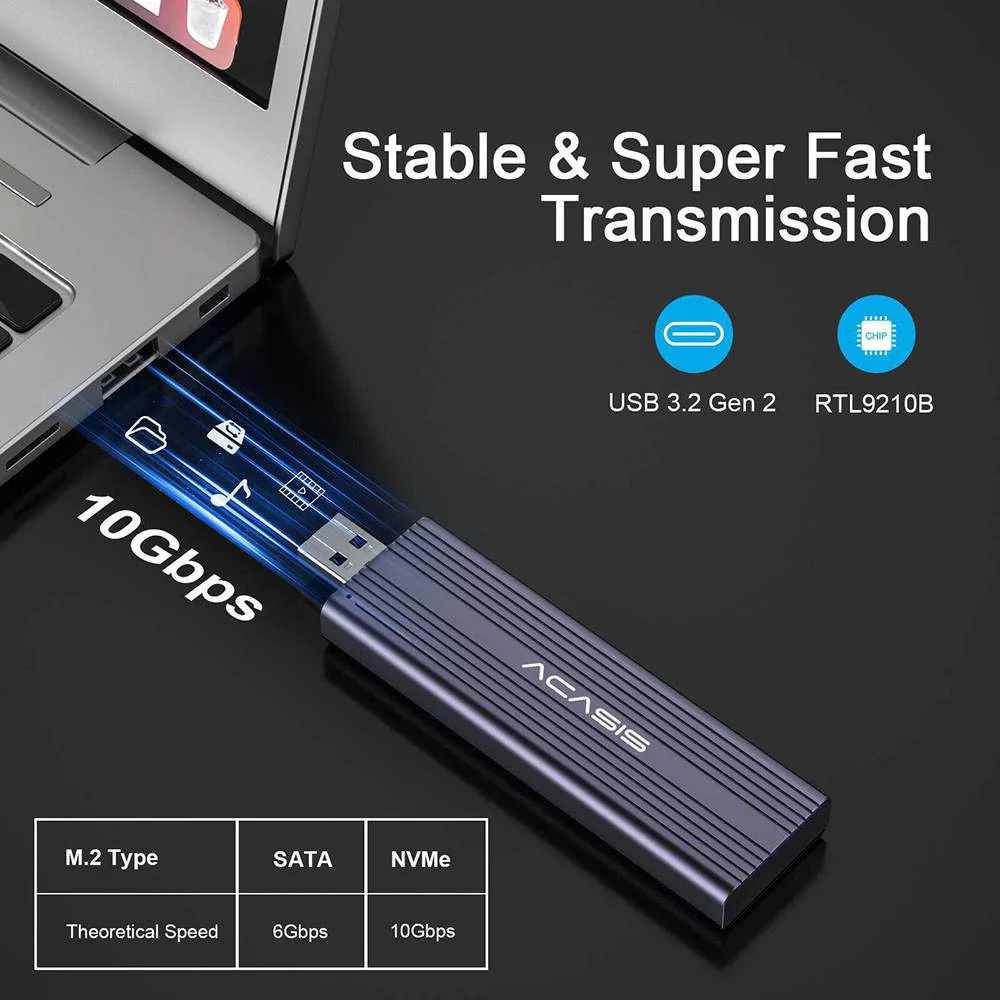
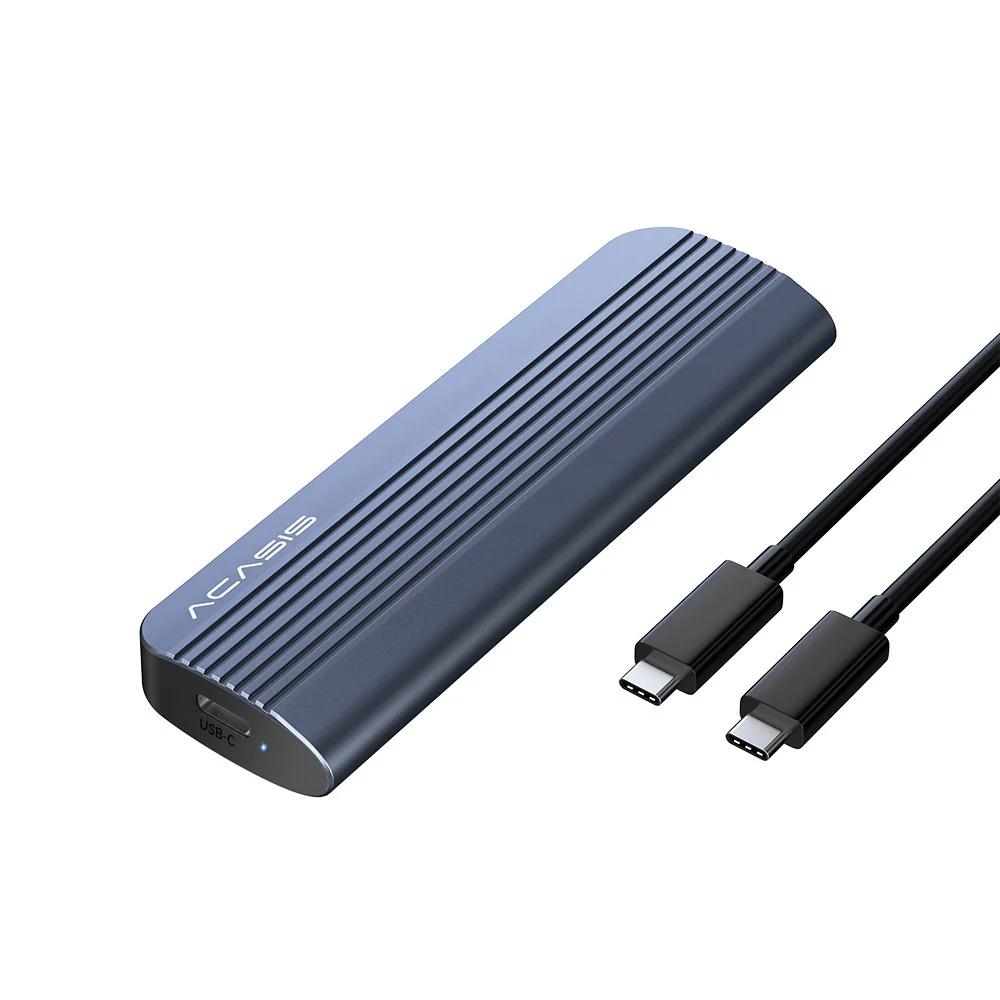
Acasis NVMe/SATA M.2 to USB 3.2 Gen 2 10Gbps SSD Reader

ACASIS NVMe/SATA to USB3.1 Gne2 Adapter Compatible M.2 NVMe & SATA SSD
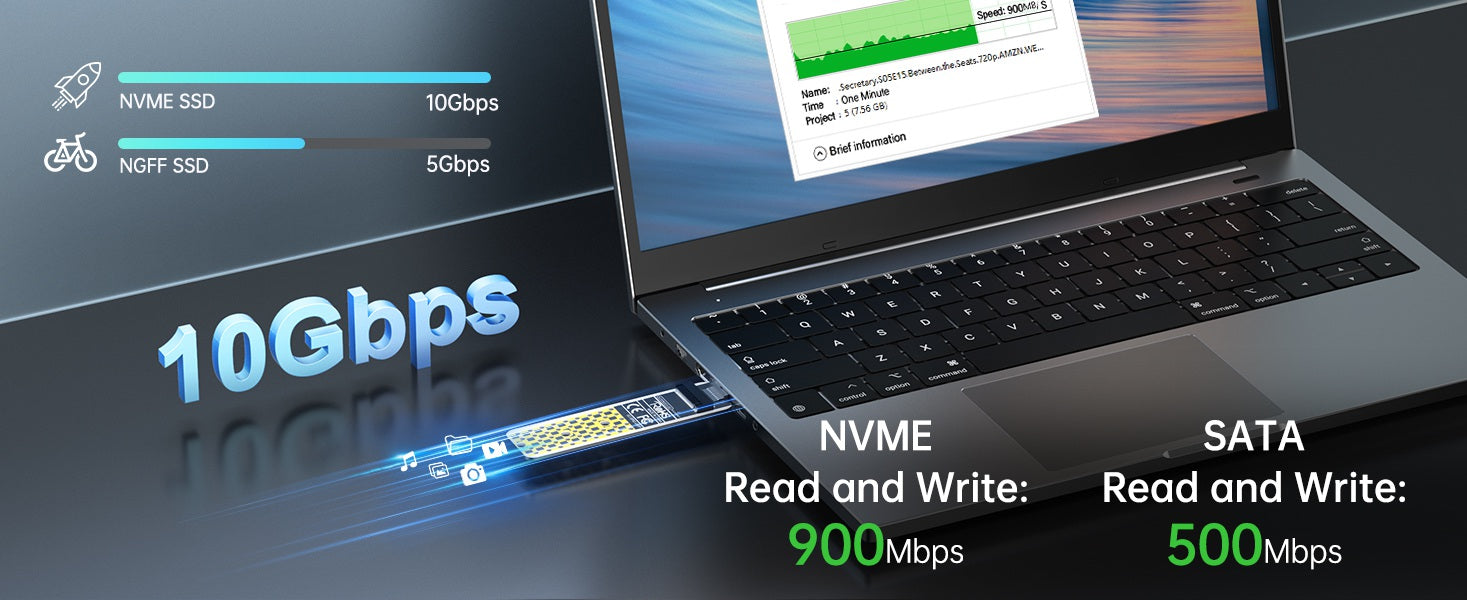
10Gbps transmission speed
With USB 3.1 Gen 2 interface, the maximum transmission speed can reach 10Gbps. The read/write speed can reach 900Mbp when connected to NVMe or 500Mbps when connected to SATA.
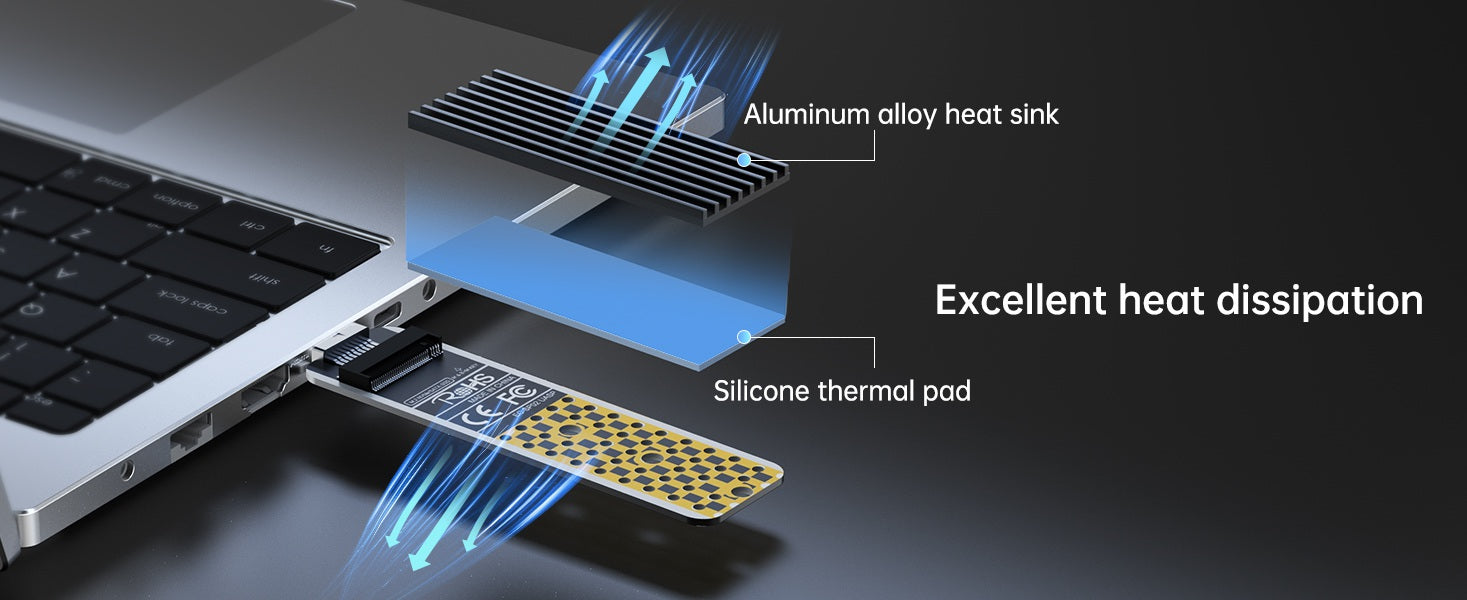
Excellent heat dissipation
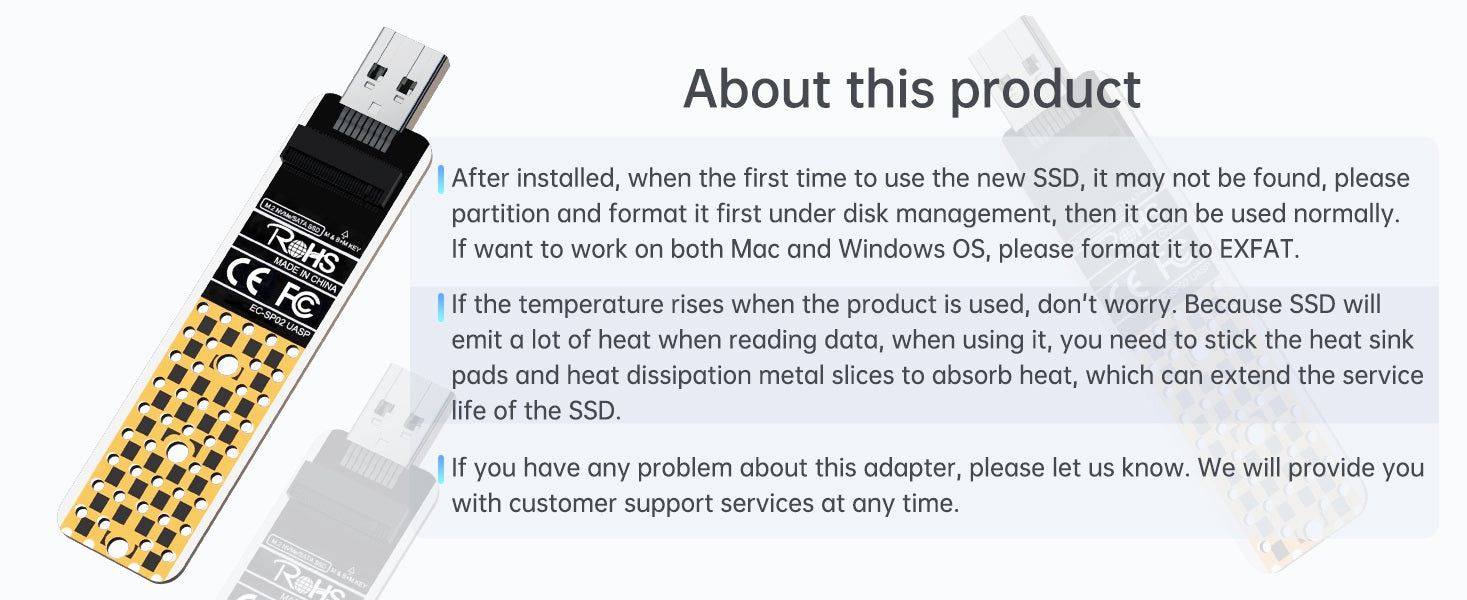
The included thermal pad and aluminum alloy heat sink help maximize heat dissipation effect to protect the SSD.
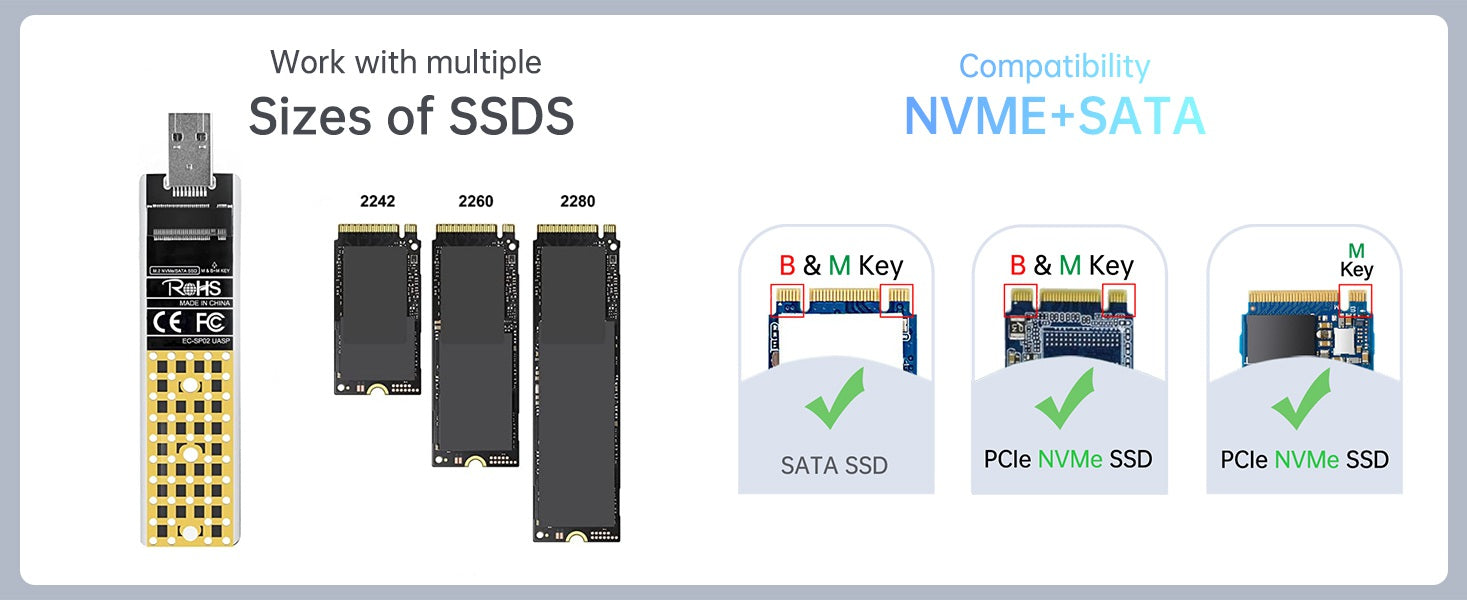
Work with multiple Sizes of SSDs
Acasis NVMe USB adapter is backward compatible with USB 3.1/USB 3.0/USB 2.0 and supports 2242 2260 2280 solid state drives. The m.2 USB adapter is compatible with Samsung 950Pro/ 960Evo/ PM951/ PM961/ SM951/ SM961/ 970 EVO/970 PRO/XP941/SM962/860 EVO and other M.2 SSD, such as WD Black/Intel/Crucial NVMe SSD.
Acasis NVMe USB adapter is backward compatible with USB 3.1/USB 3.0/USB 2.0 and supports 2242 2260 2280 solid state drives. The m.2 USB adapter is compatible with Samsung 950Pro/ 960Evo/ PM951/ PM961/ SM951/ SM961/ 970 EVO/970 PRO/XP941/SM962/860 EVO and other M.2 SSD, such as WD Black/Intel/Crucial NVMe SSD.
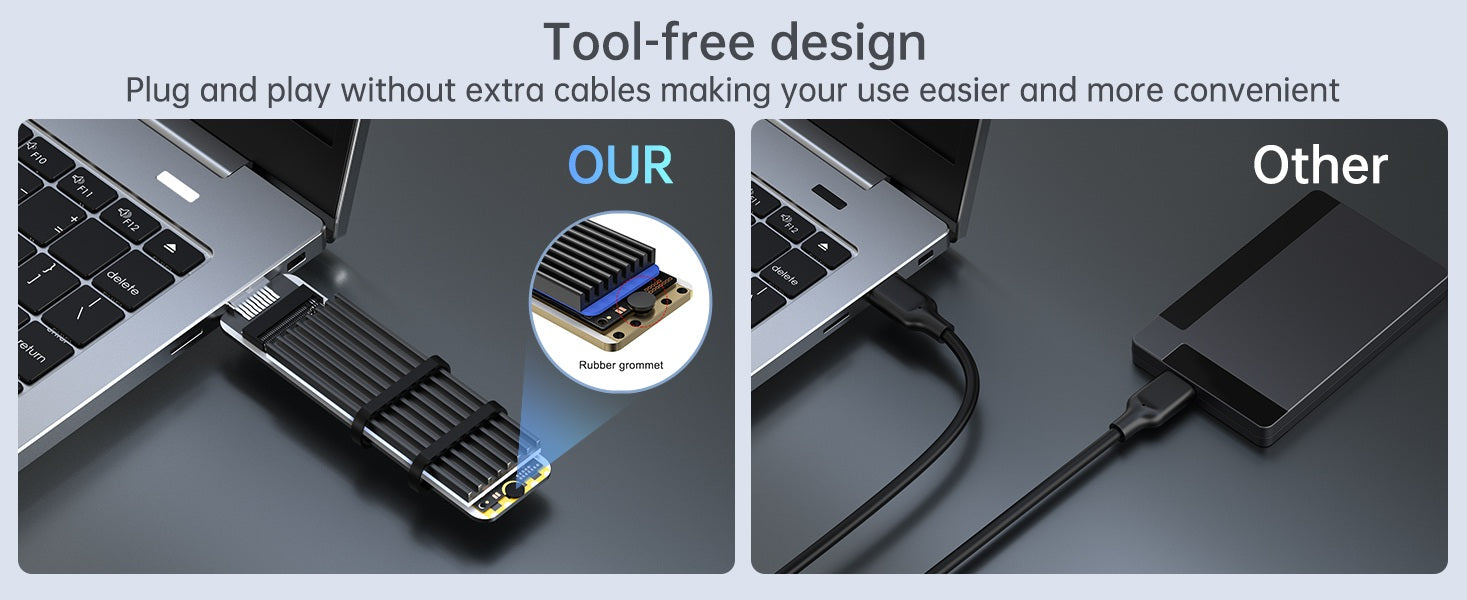
Plug & Play
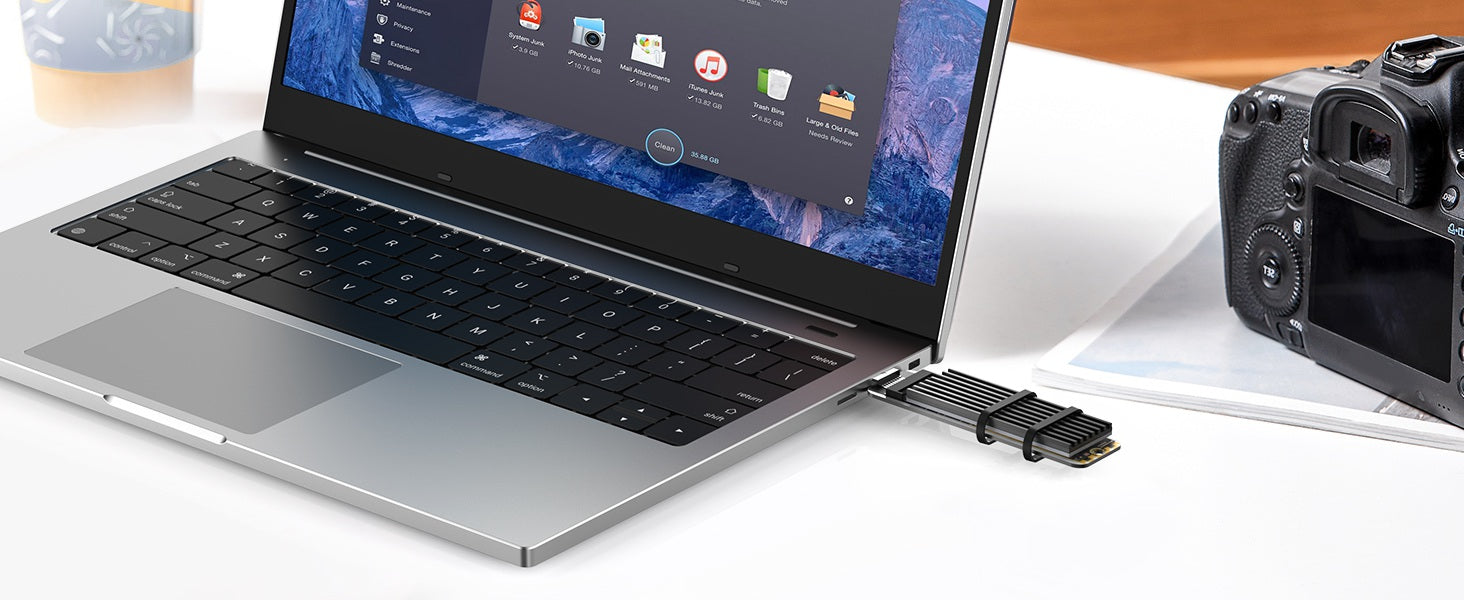
Tool-free design, plug and play, no need to install any drivers, making your use easier and more convenient.

Broad Compatibility
ACASIS NVMe to USB adapter is compatible with Windows 7/8/10/11, Linux, macOS 10.3 or higher.
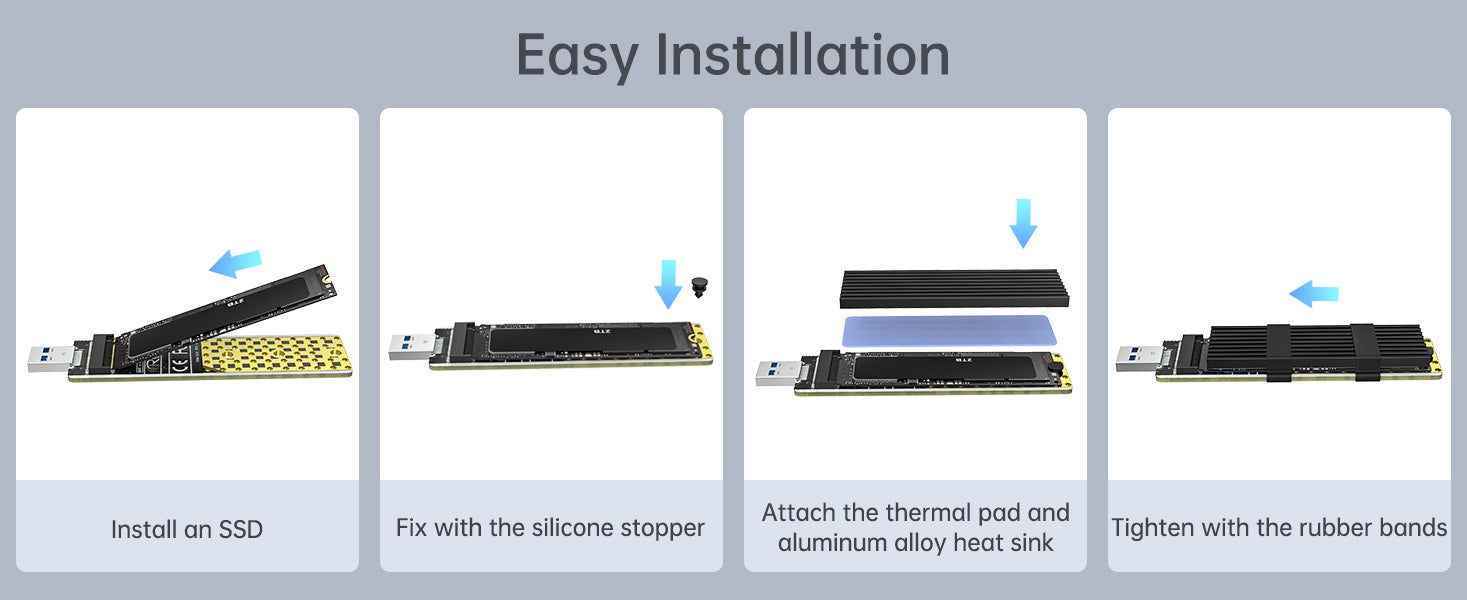
User Tips
If a new SSD is installed and used for the first time, it may not be recognized. To use it normally, please partition and format first under disk management. If you want to use the SSD on both Windows and macOS, please format it to EXFAT.
Do not worry if the product gets hot during the use. A working SSD will emit a lot of heat when reading data. Therefore, please stick the SSD with the thermal pad and then place the heat sink on top to transfer heat, which can help protect the SSD and prolong its service life.
For any problems related to this adapter, please feel free to contact shop@acasis.com for a timely, satisfactory solution.
For Desktop

For Laptop
$3.00
Original: $9.99
-70%Acasis NVMe/SATA M.2 to USB 3.2 Gen 2 10Gbps SSD Reader—
$9.99
$3.00Product Information
Product Information
Shipping & Returns
Shipping & Returns
Description
ACASIS NVMe/SATA to USB3.1 Gne2 Adapter Compatible M.2 NVMe & SATA SSD
10Gbps transmission speed
With USB 3.1 Gen 2 interface, the maximum transmission speed can reach 10Gbps. The read/write speed can reach 900Mbp when connected to NVMe or 500Mbps when connected to SATA.
Excellent heat dissipation
The included thermal pad and aluminum alloy heat sink help maximize heat dissipation effect to protect the SSD.
Work with multiple Sizes of SSDs
Acasis NVMe USB adapter is backward compatible with USB 3.1/USB 3.0/USB 2.0 and supports 2242 2260 2280 solid state drives. The m.2 USB adapter is compatible with Samsung 950Pro/ 960Evo/ PM951/ PM961/ SM951/ SM961/ 970 EVO/970 PRO/XP941/SM962/860 EVO and other M.2 SSD, such as WD Black/Intel/Crucial NVMe SSD.
Acasis NVMe USB adapter is backward compatible with USB 3.1/USB 3.0/USB 2.0 and supports 2242 2260 2280 solid state drives. The m.2 USB adapter is compatible with Samsung 950Pro/ 960Evo/ PM951/ PM961/ SM951/ SM961/ 970 EVO/970 PRO/XP941/SM962/860 EVO and other M.2 SSD, such as WD Black/Intel/Crucial NVMe SSD.
Plug & Play
Tool-free design, plug and play, no need to install any drivers, making your use easier and more convenient.
Broad Compatibility
ACASIS NVMe to USB adapter is compatible with Windows 7/8/10/11, Linux, macOS 10.3 or higher.
User Tips
If a new SSD is installed and used for the first time, it may not be recognized. To use it normally, please partition and format first under disk management. If you want to use the SSD on both Windows and macOS, please format it to EXFAT.
Do not worry if the product gets hot during the use. A working SSD will emit a lot of heat when reading data. Therefore, please stick the SSD with the thermal pad and then place the heat sink on top to transfer heat, which can help protect the SSD and prolong its service life.
For any problems related to this adapter, please feel free to contact shop@acasis.com for a timely, satisfactory solution.
For Desktop
For Laptop